Remap keys to other keys, system functions, and run commands.
Trigger types
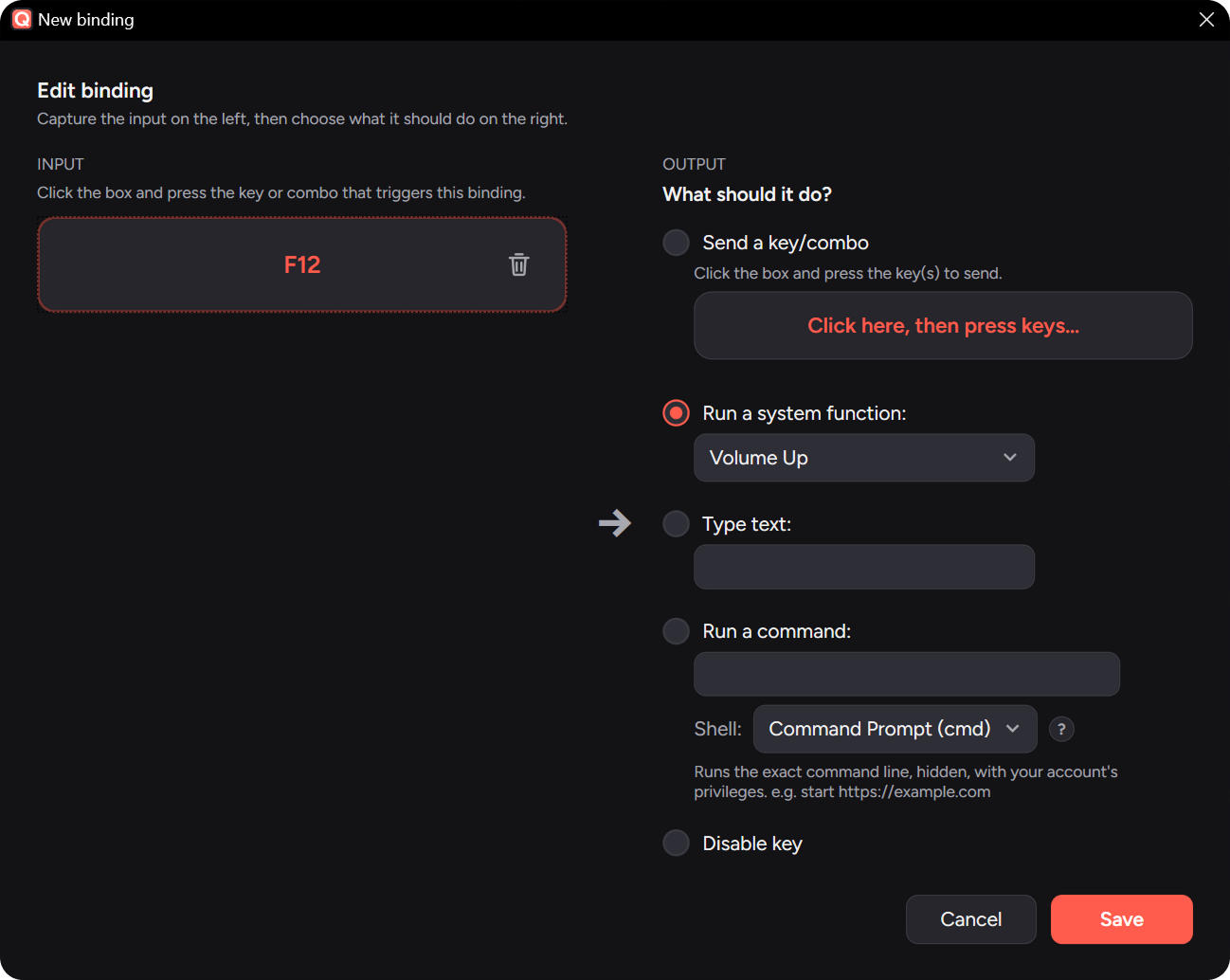
Action types
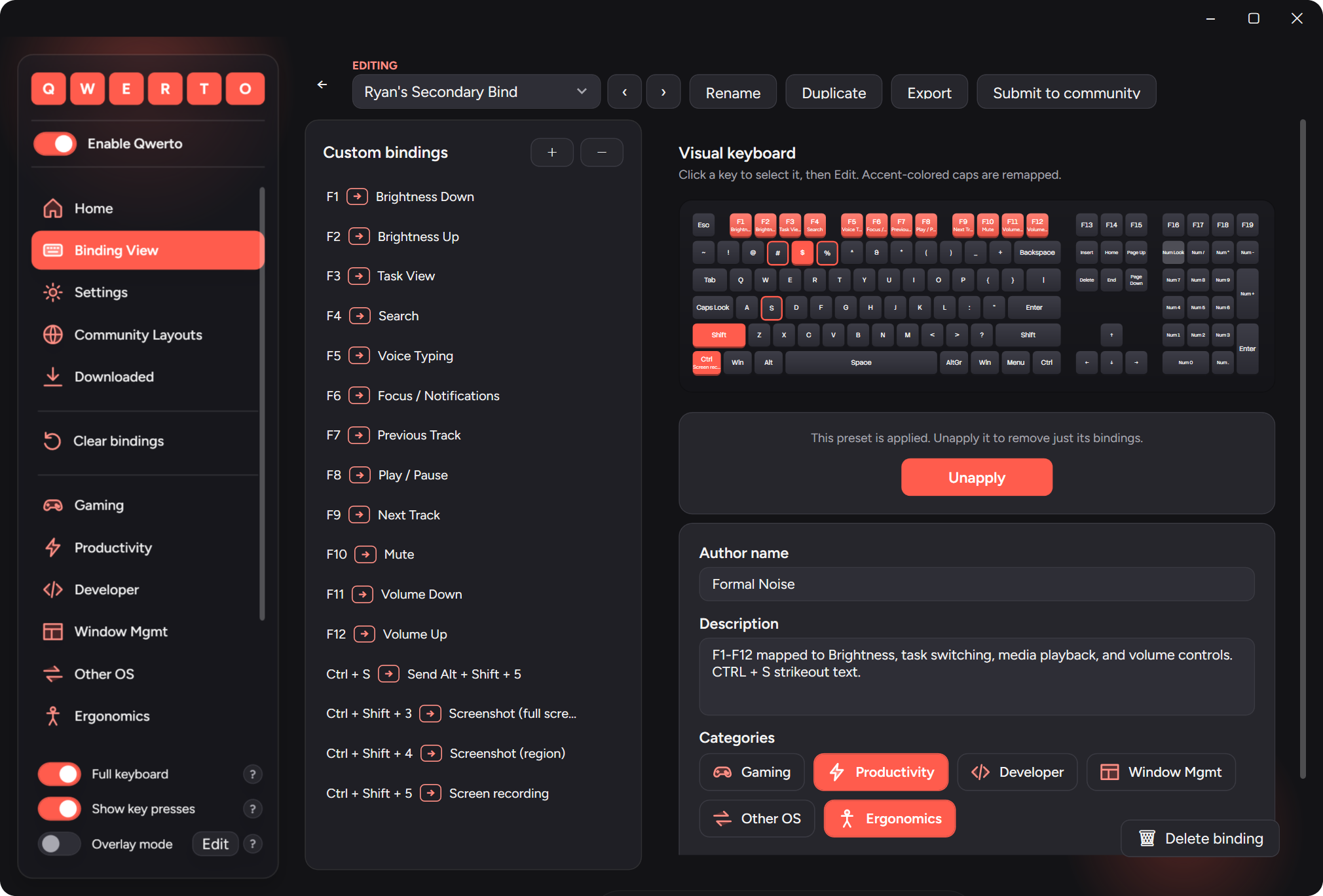
See every change, live.
The on-screen keyboard is the hero. Remapped keys glow in your accent; pressing a key lights it up; disabled keys are muted. Toggle the full keyboard to reveal the nav cluster, F13–F24, and the numpad.
Sculpted keycaps that read as physical keys.Optional sub-label shows the new action on each remapped key.An apply “wave” ripples across the board when you apply a preset.
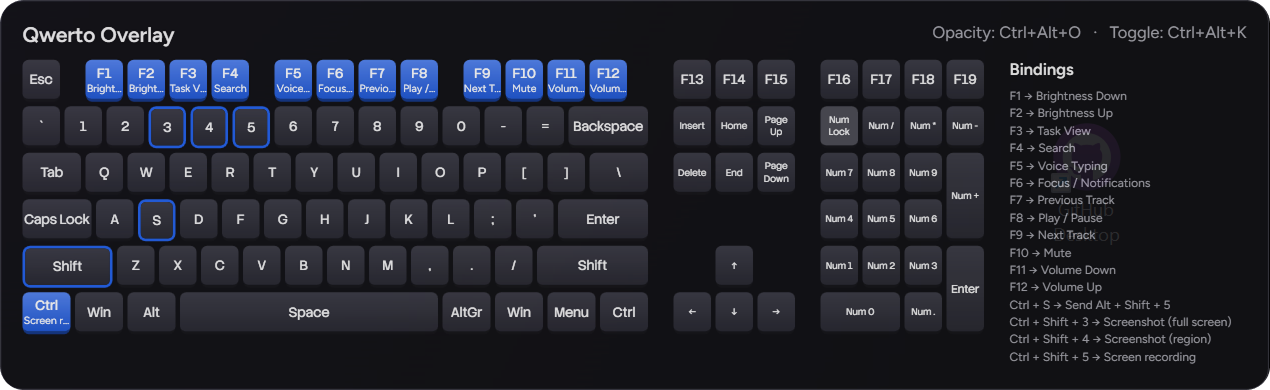
Overlay mode allows you to keep your bindings on screen all the time.
Pin a small, always-on-top keyboard/reference while you learn a layout, stream, or game. It’s fully configurable.
F8→Play / Pause
Optional HUD: a quick bottom-center flash of key → action each time a binding fires. The bindings list fills a column to the keyboard’s height, then wraps; keys light up as you press them.
Start fast with 50 curated presets.
Browse by category, apply with one click, and stack multiple presets, or switch to a new one.